How AusLanka Event Ticketing Works: From Checkout to Entry
A plain-English walkthrough of the planned AusLanka ticket journey, from choosing a tier and reviewing fees to finding your QR ticket and entering the event.
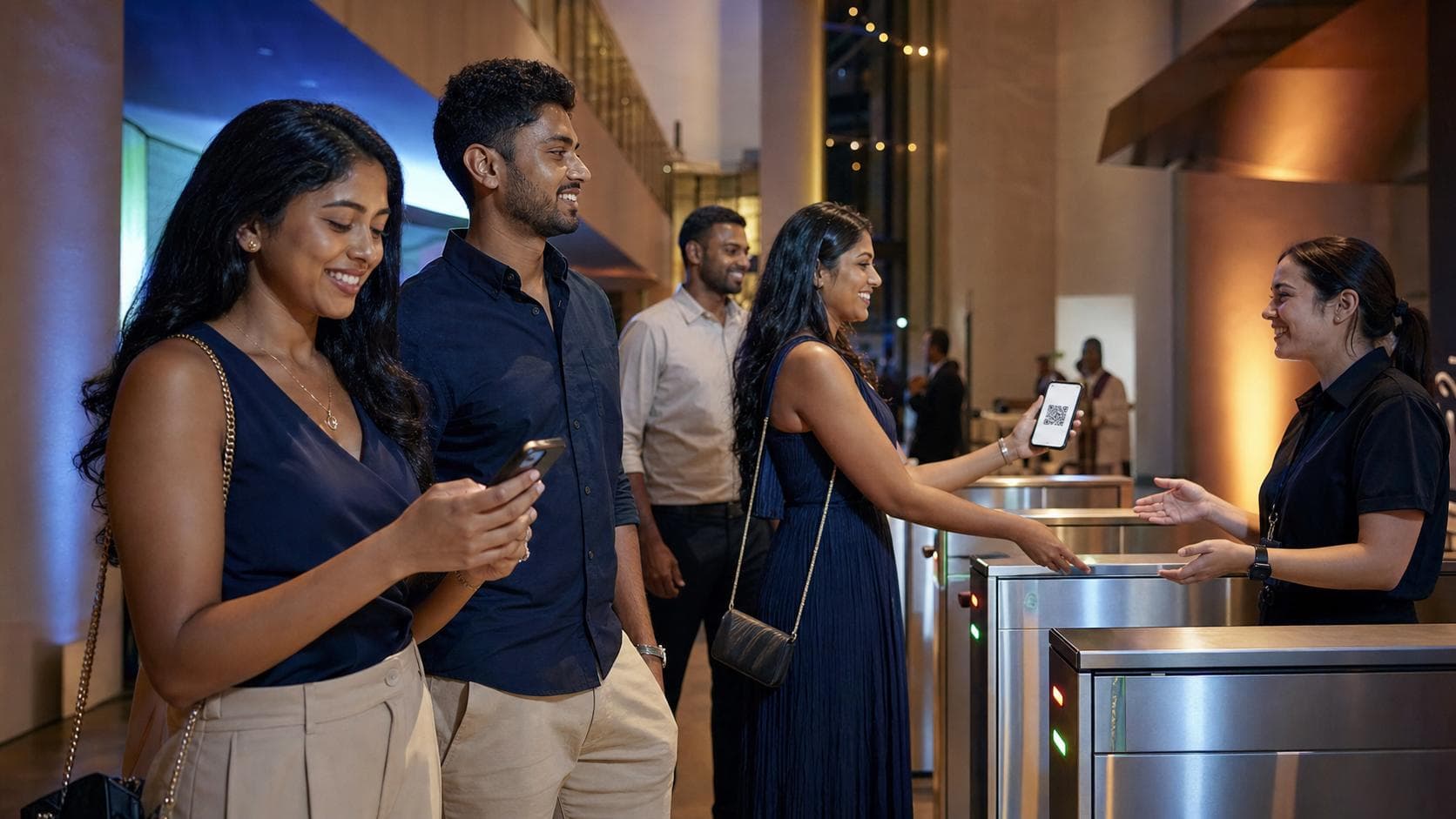
A smooth ticket journey should feel almost boring: choose, pay, receive, enter. No detective work, no twelve-tab browser safari and no asking the group chat, “Machan, which screenshot is the real ticket?”
AusLanka’s direct event ticketing is designed as a separate option for eligible events, alongside listings that use external providers. The public Help Centre currently treats the platform-selling option as coming soon, so this article is a launch-ready explainer rather than a claim that every visitor can use it today.
1. Confirm that the event uses platform ticketing
Begin on the event detail page. A platform-ticketed event should clearly show available tiers and an AusLanka purchase action. If the button opens another provider, you are using external ticketing and that provider’s flow applies instead.
Read the event basics before selecting anything: date, time, venue or online format, age information, accessibility notes and organiser. A ticket is only useful if it is for the right show. This is especially important for tours and multiple sessions, where “Saturday” can have more versions than a family dhal recipe.
2. Choose the right tier and quantity
Eligible events may offer one or more tiers, such as general admission, family or another organiser-defined option. Read the name, inclusions, sale window and any limits. Choose the number of tickets only after checking who is actually attending.
Availability can change while people are selecting. If a tier is unavailable, return to the event page and choose a current option rather than refreshing aggressively or opening repeated checkouts.
3. Review the money before continuing
The order summary should separate the ticket subtotal, the disclosed AusLanka service fee when applicable and the total. Some fee arrangements may be handled differently by the organiser, so rely on the figures shown for that specific order instead of a fee quoted in an old post.
For a paid event, payment is processed through the checkout presented for that eligible event. The organiser is the seller, while AusLanka provides the booking and ticketing experience. For a free platform ticket, the flow may confirm the booking without a paid checkout, but a valid order still needs to be completed.