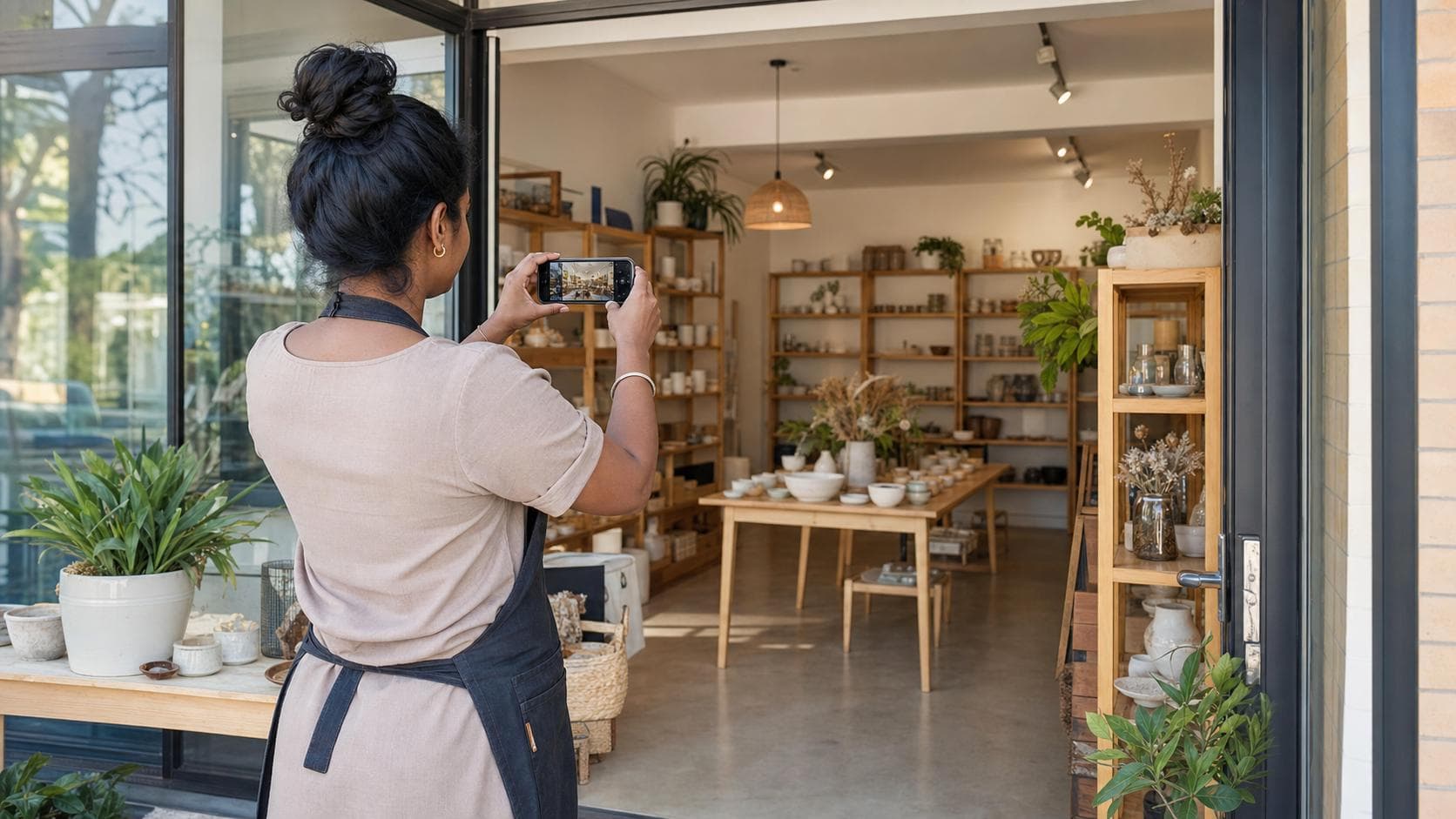
How to Photograph Your Business for a Strong Online Profile
A practical photography checklist for creating an accurate, welcoming business profile with useful shots, natural light, consent and consistent editing.
14 August 20268 min readAusLanka Editorial Team
Good business photos answer questions before a customer calls. What does the entrance look like? Is this the right shop? What kind of work does the team do? Will the product resemble the photo, or has it been edited into a different species?
You do not need a cinema crew. A recent smartphone, clean lens, thoughtful light and a useful shot list can create an honest, welcoming AusLanka profile.
Decide what each photo should explain
Start with the customer journey. Photograph what helps someone recognise, assess and contact the business.
Core shot list
Storefront or building entrance
Signage visible from the approach
Reception, counter or service area
Representative products or completed work
Team photos where everyone consents
Accessibility features, parking or entry details
Clean workspace or equipment where appropriate
One wide hero image for the profile
Do not upload identity documents, customer records, payment screens, security controls or private staff information. Public photos are for customers, not a guided tour of the filing cabinet.
Clean the scene before the lens
Remove rubbish, boxes, unrelated signs and private paperwork. Straighten chairs and make product displays look like the normal experience on a good day.
Avoid staging something the business does not actually offer. A borrowed espresso machine may make the photo look sophisticated, but customers will ask where the coffee went.
Use soft natural light
Photograph near a window or in open shade when possible. Harsh midday sun creates deep shadows; mixed fluorescent and window light can produce strange colours.
Turn off lights that create an obvious colour clash
Avoid pointing directly into a bright window
Move the subject closer to soft light
Use a white wall or board to reflect light gently
Photograph food promptly while it looks fresh
Clean the phone lens first. This five-second step has rescued more business photos than many expensive accessories.
Hold the camera straight
Use the grid on the phone to keep walls, counters and horizons level. Brace your elbows or rest the phone on a stable surface.
Take several frames, then choose the sharpest. Digital storage is cheaper than inviting the whole team back because every face was blurred.
Capture wide, medium and close views
A wide photo establishes the space. A medium photo shows the service or team. A close photo highlights a product, texture or detail.
Mix orientations when the platform allows, but prepare a strong landscape image for wide profile and blog placements. Leave a little breathing room around the subject so important details survive different crops.
Show real people naturally
Ask staff or collaborators for permission before photographing and publishing them. Explain where the image will appear and respect anyone who declines.
Give people a real action: preparing a dish, arranging flowers, welcoming a customer or discussing a service. Natural interaction usually looks warmer than a line of people wondering what to do with their hands.
Use additional care and appropriate consent for children and private events.
Photograph products accurately
Use a clean, uncluttered background and show the product from useful angles. Include scale where it matters, and make sure colour and size are not misleading.
For food, show a normal serving. For trades and services, obtain permission before showing a customer’s property and remove addresses, number plates or personal items when necessary.
Include accessibility and practical details
A clear image of the entrance, ramp, lift, counter height, seating or parking can help customers plan. Pair photos with accurate written information; an image alone may not reveal dimensions, gradients or other access requirements.
If an access feature is temporary or has limits, explain that honestly.
Avoid misleading before-and-after images
Use the same angle and comparable lighting where possible. Label results accurately and do not present exceptional outcomes as guaranteed.
Keep customer identities and property details private. Written permission is especially important when the result could reveal personal, medical or financial circumstances.
Edit lightly and consistently
Crop, straighten and make small adjustments to brightness and colour. Avoid filters that change the product or service materially.
Keep skin tones natural
Do not add objects that were not there
Do not remove safety issues from an image instead of fixing them
Use similar brightness and colour across the gallery
Export a clear web-sized copy from the original
A curry can be vibrant without becoming fluorescent enough to guide aircraft.
Name and organise the files
Keep the originals and create organised copies for public use. Use simple names such as storefront, team, product-name or service-example rather than IMG_9472_final_FINAL2.
Record who owns the image, who approved it and when it should be reviewed.
Write useful alternative text
Alternative text should describe the important visual content for people who cannot see the image. Keep it concise and contextual.
For example: “Wheelchair-accessible entrance beside the main glass door” is more useful than “business photo.” Do not stuff keywords into alt text.
Choose images for the AusLanka profile
Select one clear landscape cover image.
Add the current logo separately where available.
Upload a balanced gallery of place, people and offering.
Use accurate alt text.
Review the profile on a phone and a larger screen.
Remove photos that are outdated or no longer representative.
The Australian Government’s marketing guidance recommends research, planning and understanding the target market. Your photos should follow the same discipline: show customers the real business information that matters to them.
A ten-minute photo-day checklist
Clean the lens
Confirm permission
Remove private information
Tidy the background
Check natural light
Take wide, medium and close versions
Review sharpness before leaving
Back up originals
A strong online profile does not require every photo to look like a magazine cover. It requires honest, useful images that help customers recognise the business and feel confident about the next step.
This article provides general photography and marketing information only. Obtain appropriate consent and review privacy, advertising and industry obligations before publishing images.